File Basket
Universal drop-zone for temporary file staging and quick-sharing. Drag from anywhere, shelf contextually, and drop when ready.
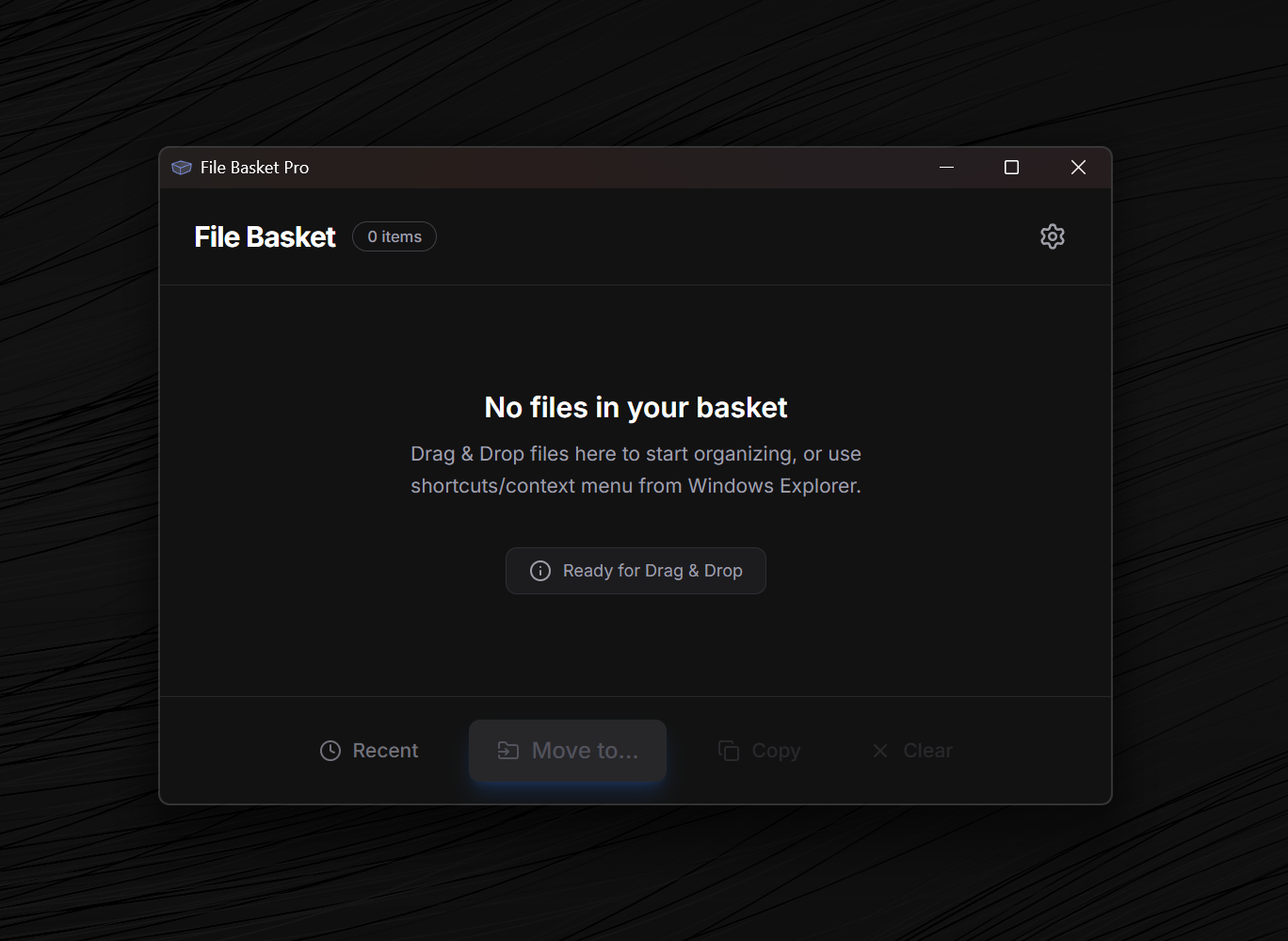
Watch File Basket in Action
See how temporary file shelving can streamline your designer, developer, and creator workflows.
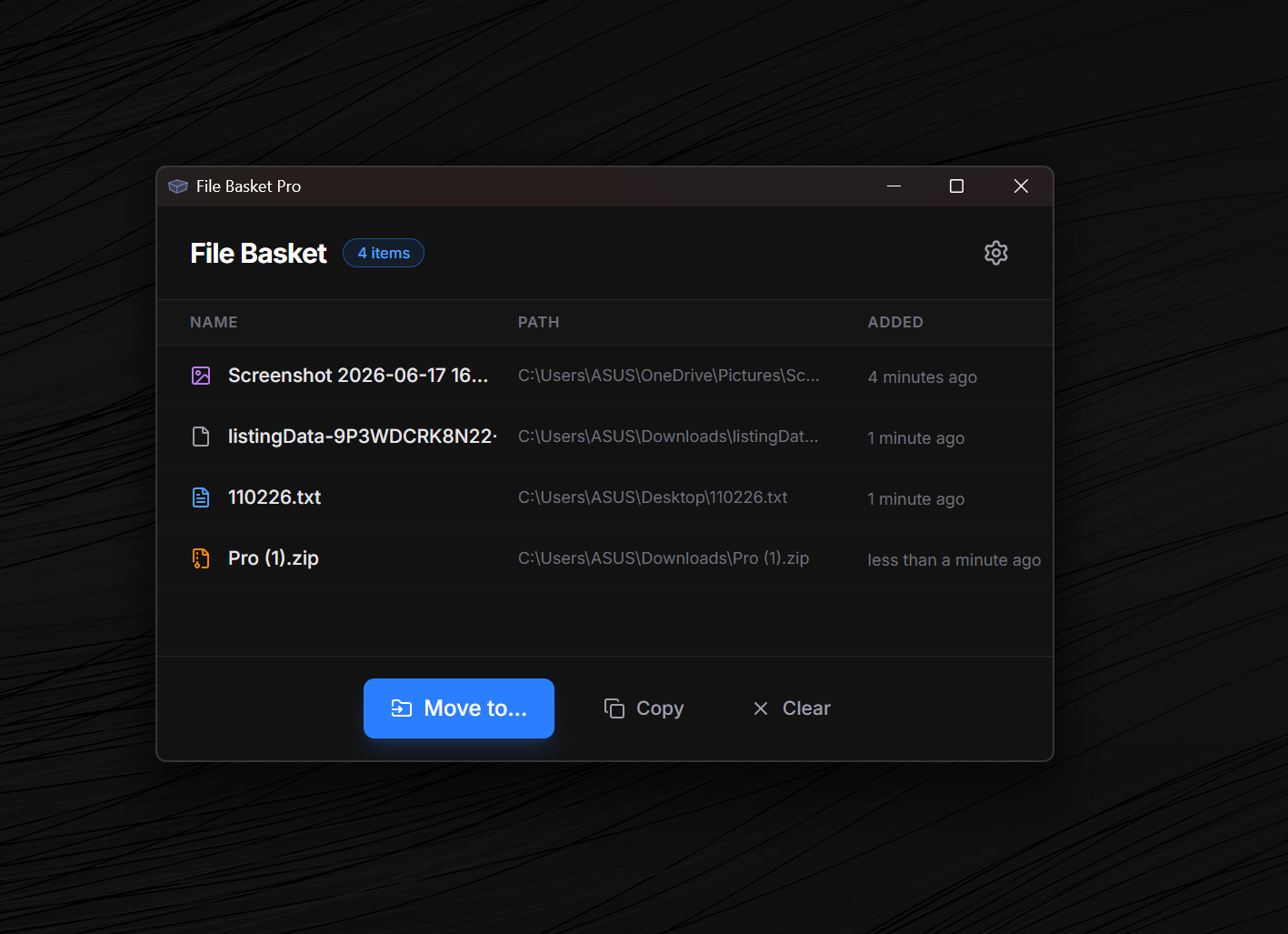
Review your files before moving them
View all the files collected in your basket and verify your selection before executing a transfer—a staging capability standard Windows explorer does not support.
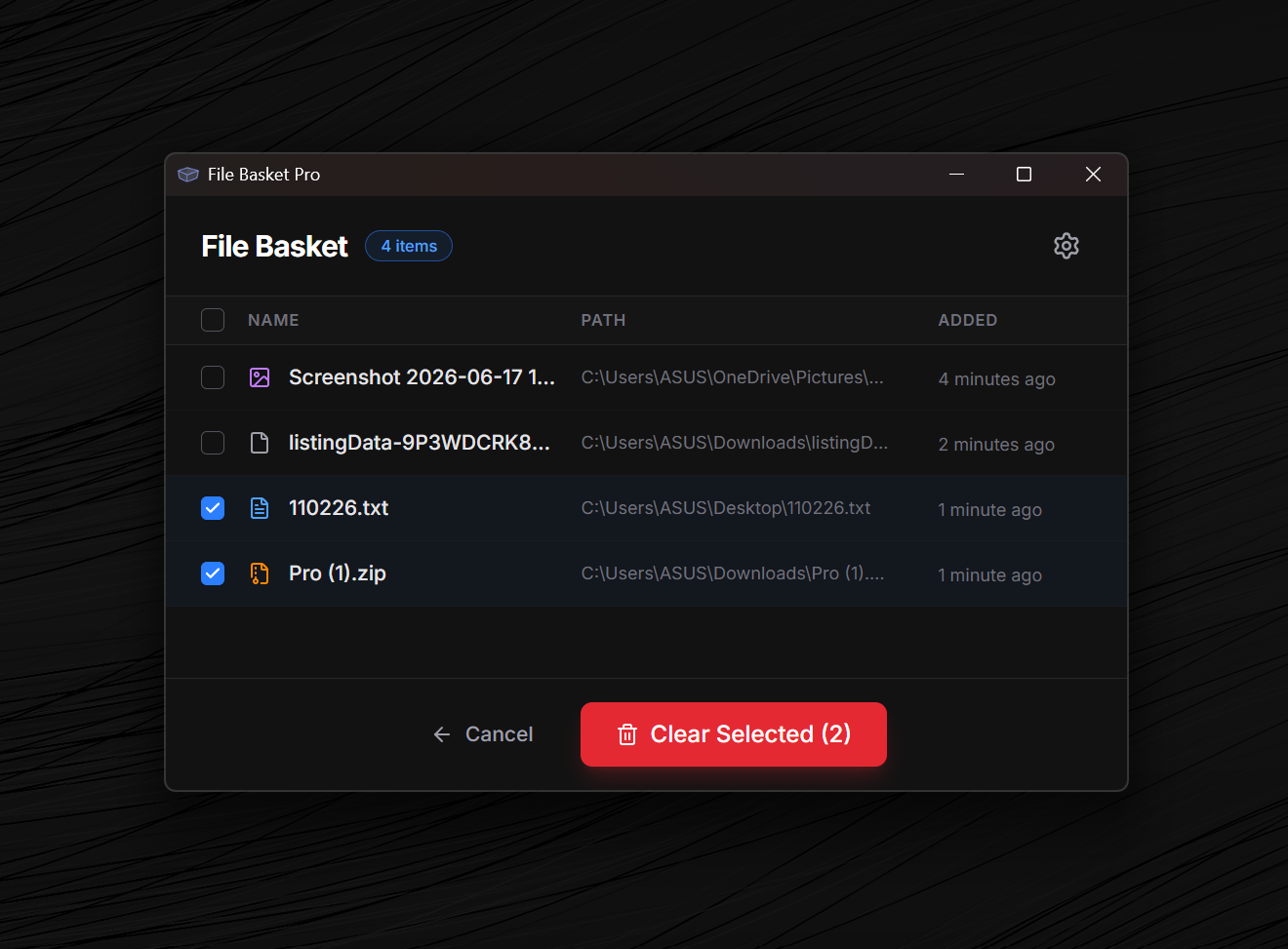
Remove files you don't want to transfer
Accidentally added the wrong file? Simply drop or remove individual items from your basket with a single click before you move them, keeping your workspace clean.
Fast Move and Copy
Collect Instantly
Highlight text, select files, or grab images and send them straight to your basket without leaving your current app.
Paste & Move
Paste and move all items from your basket directly to the target location, automatically deleting the original files from their source folders.
Paste & Copy
Paste a copy of your basket items into the destination folder while keeping all original files intact in their source locations.
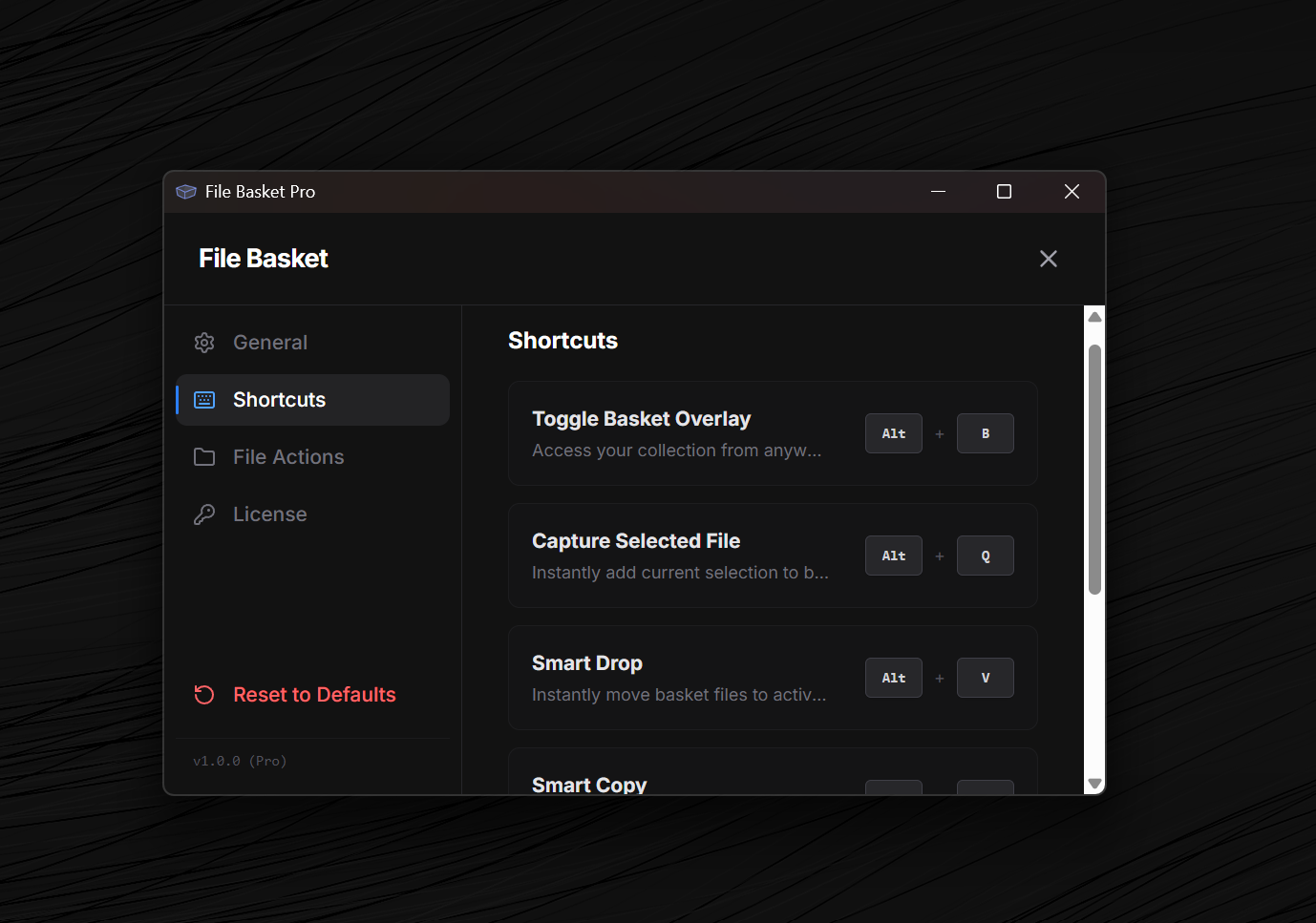
Customize your keyboard shortcuts
Tailor key triggers to capture content, toggle display overlay, and perform actions seamlessly using custom combinations that fit your workspace style.
Unlock more capabilities with Pro (Pay once, use forever)
| Feature | Free Tier | Pro Tier |
|---|---|---|
| Staging Capacity | Up to 10 items | Unlimited items |
| Offline Storing | Local storage only | Local storage only |
| Keyboard Shortcuts (Alt+Q, V, C) | Full Access | Full Access |
| License Model | Free on MS Store | One-time purchase on MS Store |
| Availability | Get Free Version↗ | Get Pro Version↗ |