
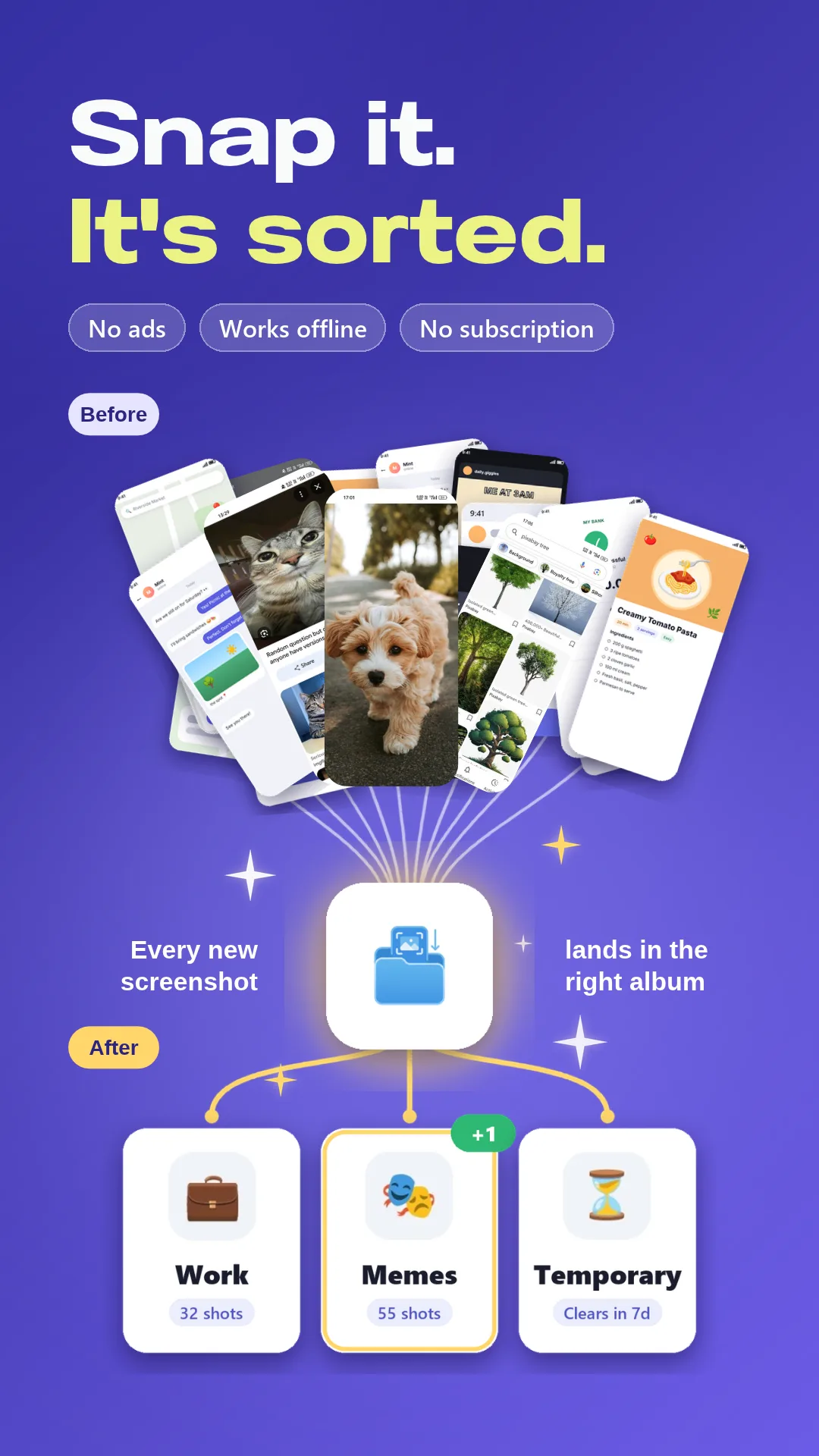
Three simple steps
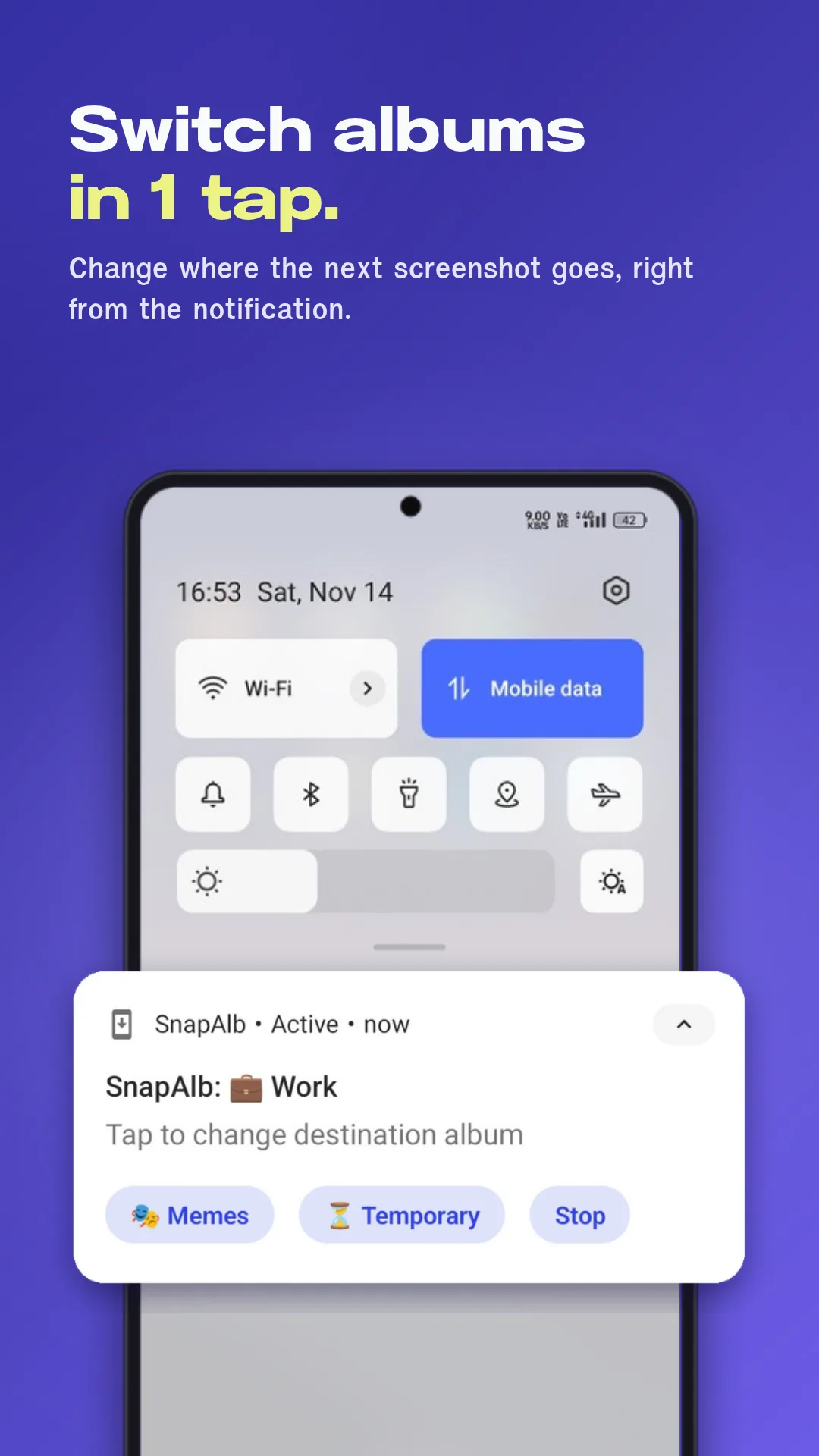
Pick an album first
Switch the destination album from the notification, and pin up to 3 favorites.
Take screenshots as usual
No need to open the app. SnapAlb only wakes up when you take a screenshot, so it’s light on battery.
It’s already in the album
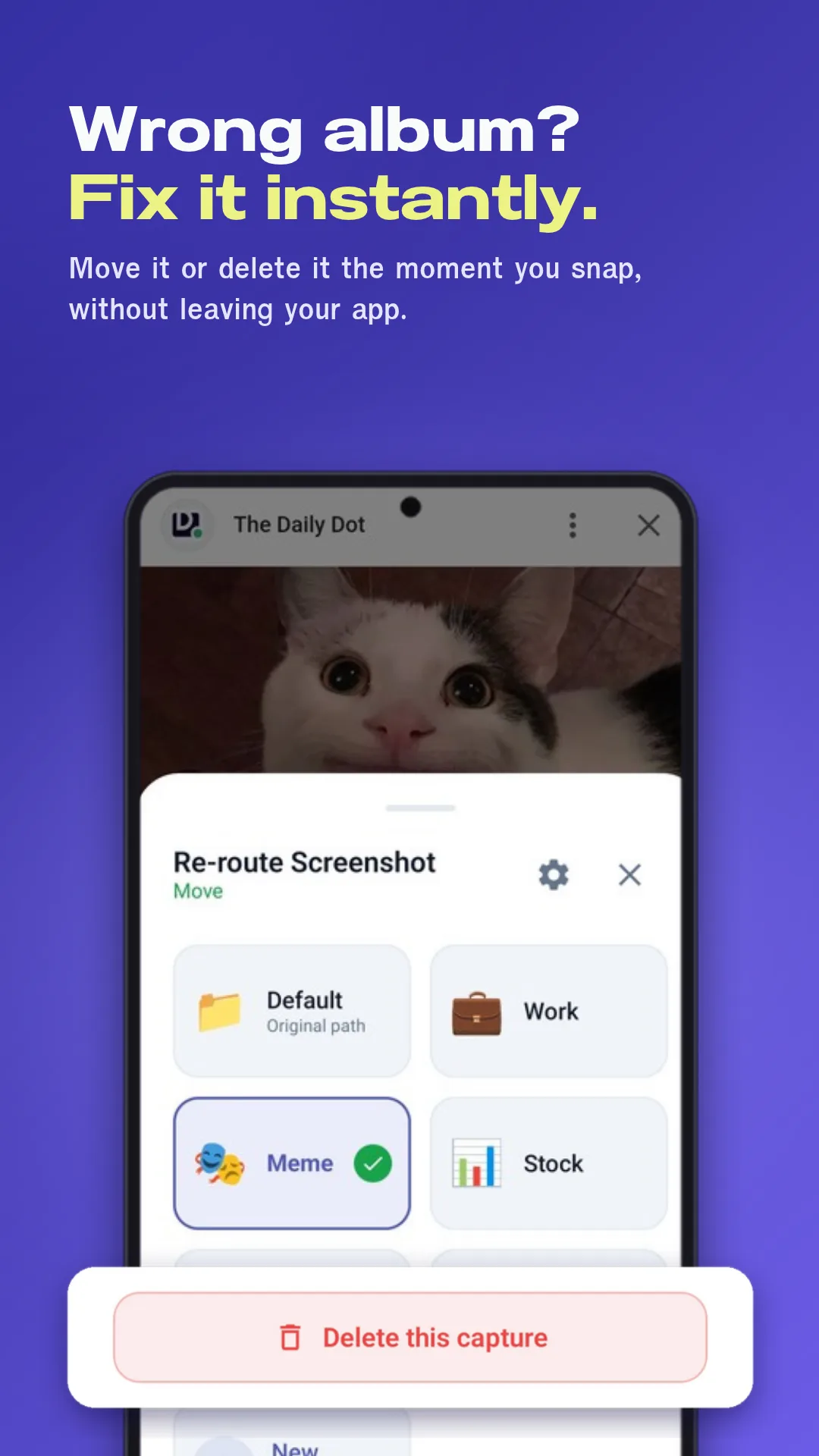
Wrong album? Fix it from the notification, or delete a screenshot you took by accident.
See it in action
Swipe, tap to enlarge →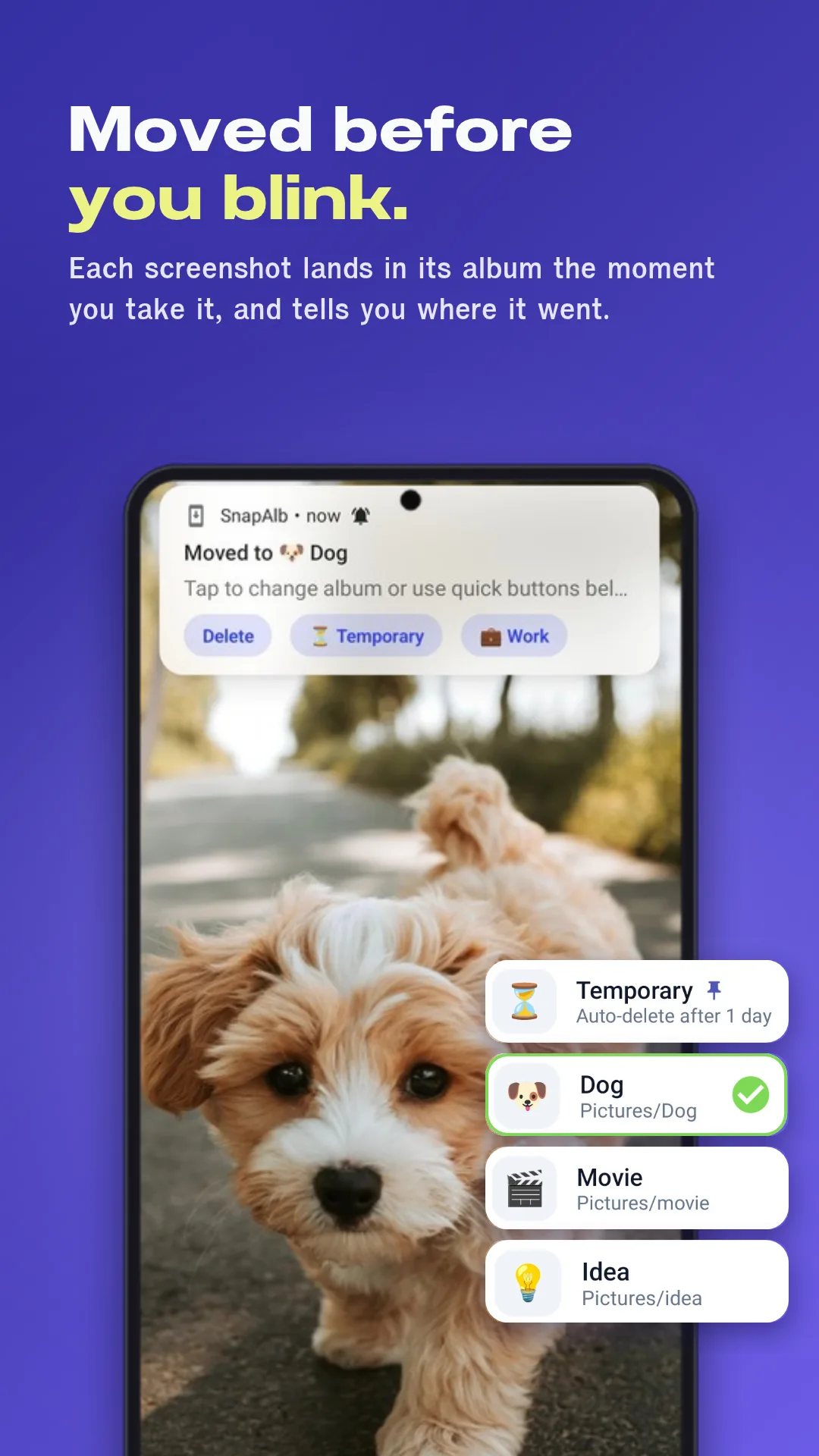
Free features
Switch albums from the notification
Change where the next screenshot goes. Pin up to 3 albums.
Automatic sorting
Just snap. It moves to your album and tells you where it went.
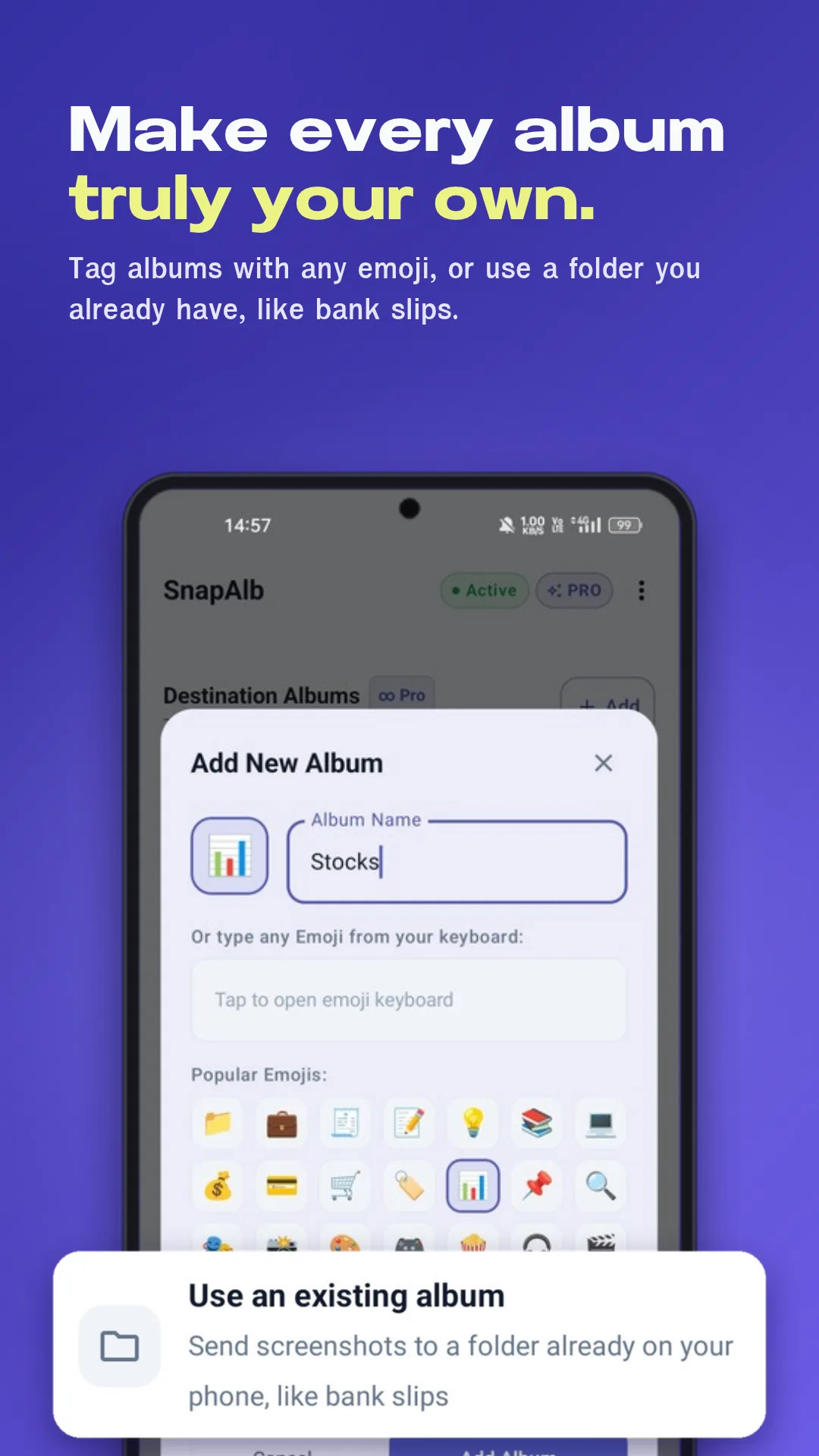
Use folders you already have
Send screenshots to any photo folder, like your receipts folder.
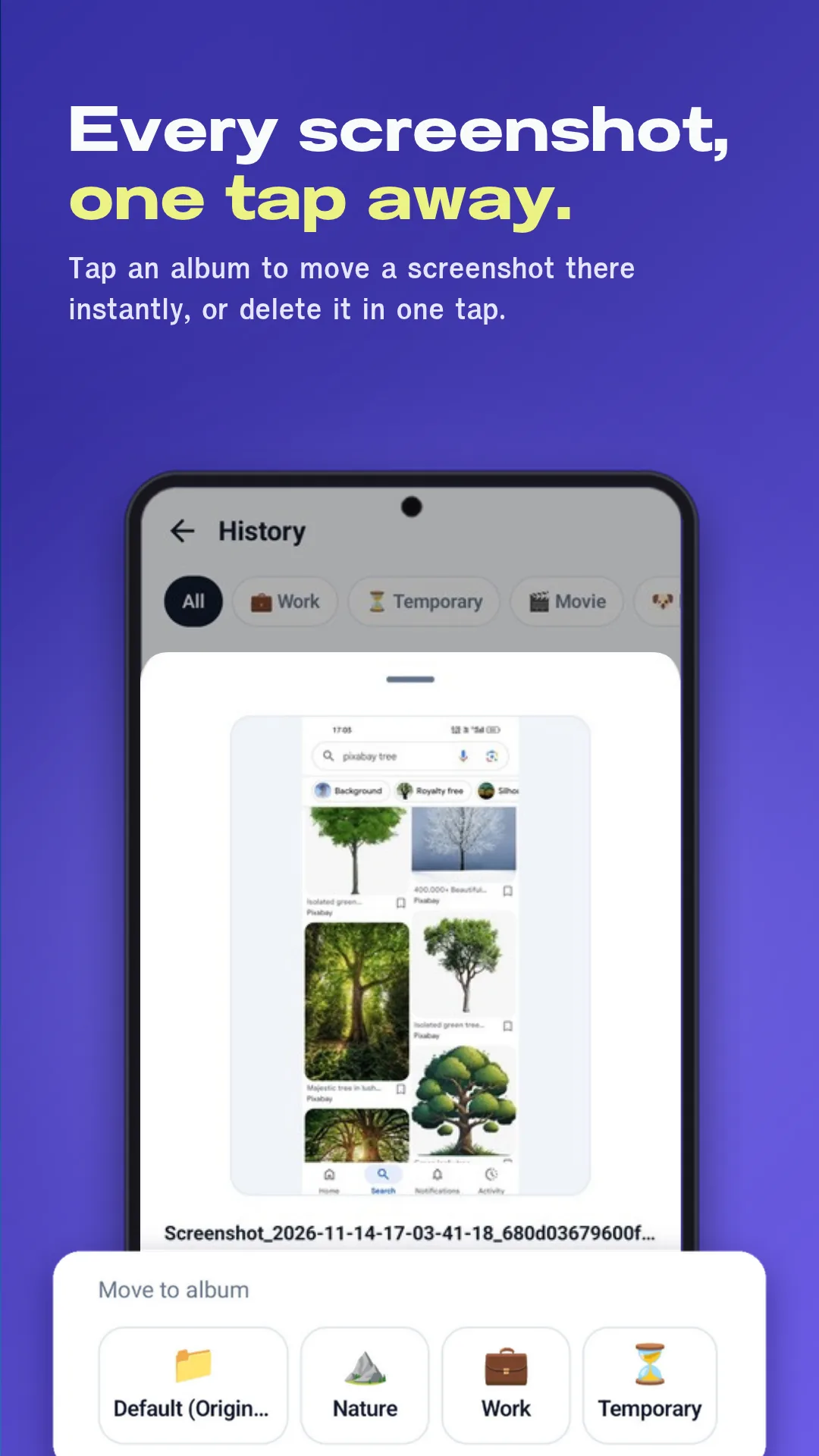
Thumbnail history
Preview, move to another album, or delete in one place.
Delete right after you snap
Took one by accident? Delete it from the notification.
Albums your way + dark mode
Rename, change icons, reorder, and follow your phone’s theme.
Free vs Pro
The free version has no time limit. Pro is a one-time purchase that’s yours forever.
| Feature | Free | Pro One-time |
|---|---|---|
| Auto-sorting + switch albums from the notification | Included | Included |
| Existing folders, thumbnail history, dark mode | Included | Included |
| Number of albums | 3 + Default | Unlimited |
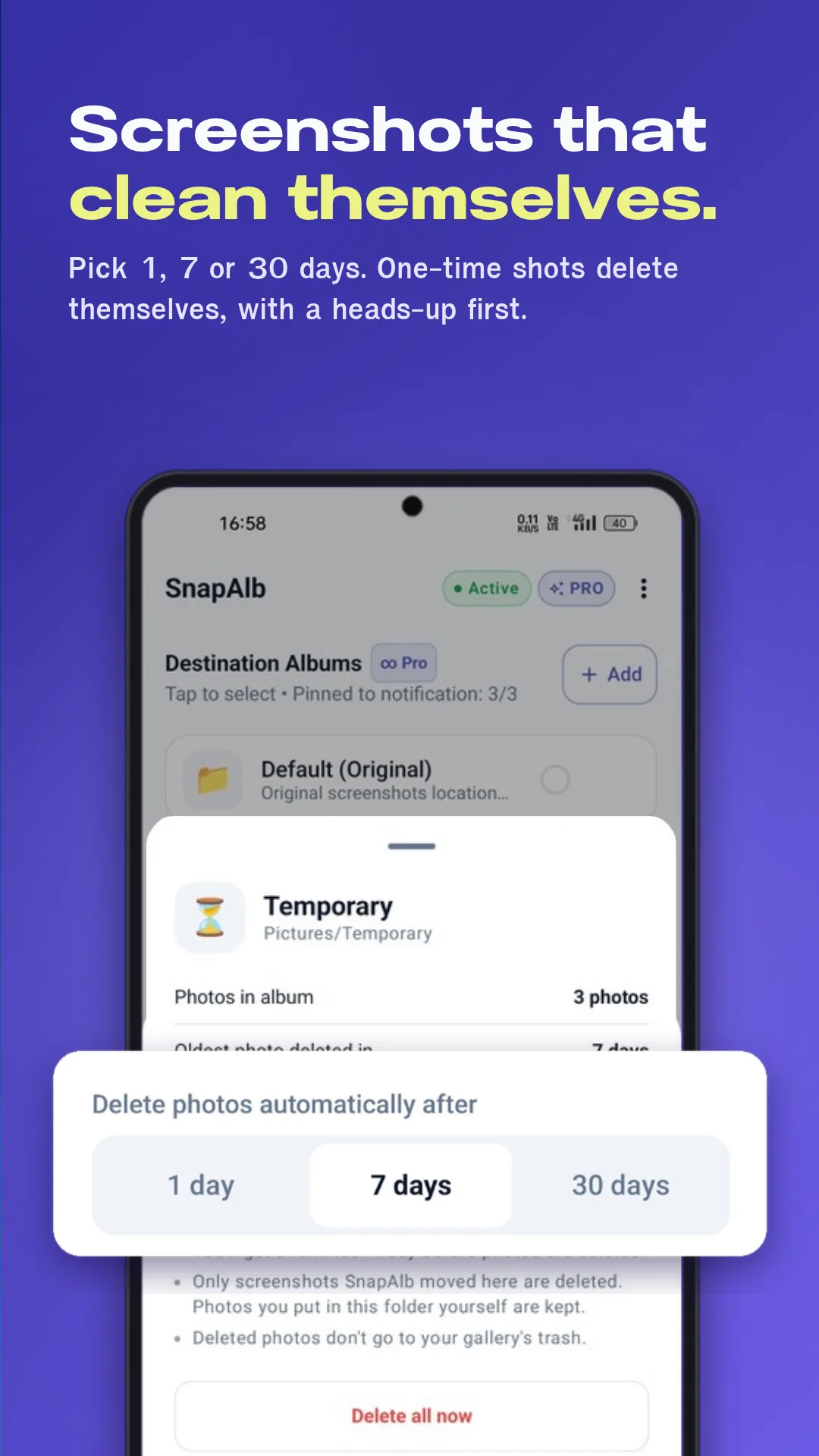
| Temporary album, clears after 1 / 7 / 30 days | — | Included |
| Select many photos at once | — | Included |
| Any emoji as an album icon | — | Included |
Your screenshots stay on your phone
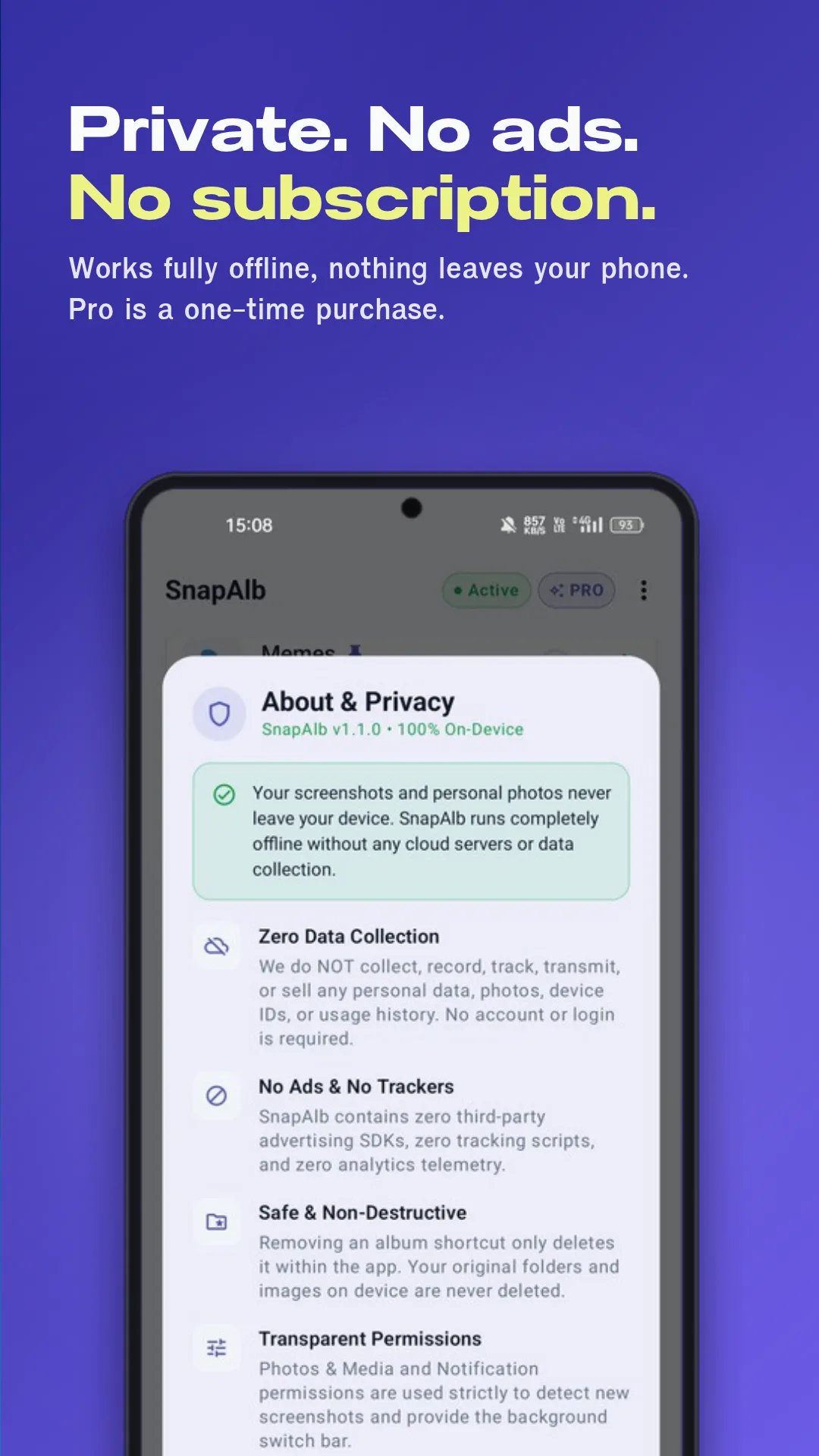
SnapAlb works fully offline. No ads, no tracking, no account.
FAQ
Screenshots aren’t moving. What do I do?
Usually your phone’s battery saver paused the app, or photo access is limited. See the fix for your phone brand
Is Pro a subscription?
No. It’s a one-time purchase. The free features have no time limit.
Does it need internet?
No. Everything happens on your phone, and your screenshots never leave it.
If I remove an album, do I lose the photos?
No. You choose whether they stay in the folder or move back to Screenshots.
Is it on iPhone?
Android only for now. Want SnapAlb on iOS? Leave your email in the form.
